Translate
|
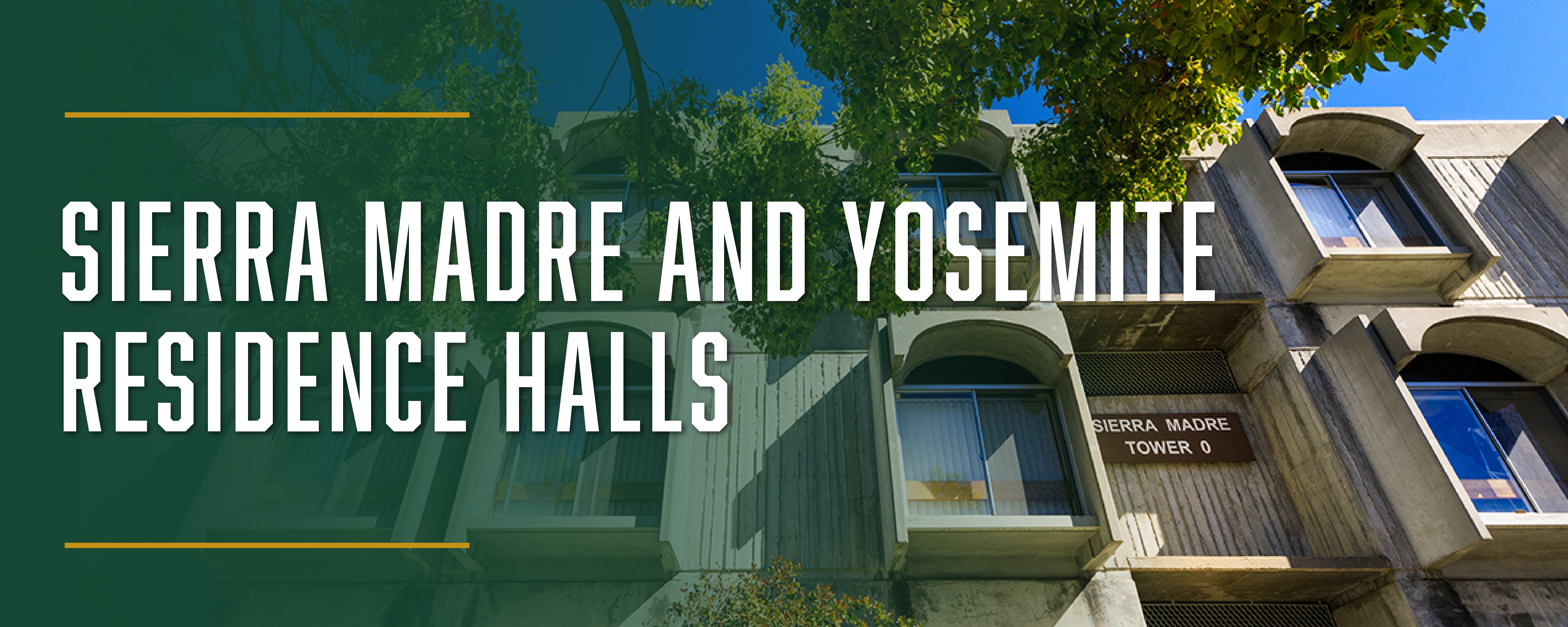
Located on the southeast end of campus, these residence halls are also known as the towers. Both Sierra Madre and Yosemite have a large community center and 16 stand-alone residence buildings: six residence buildings for Sierra Madre and 10 for Yosemite. Halls provide double- and triple-occupancy accommodations with community-style bath facilities. Bedrooms and bathrooms are separated by gender unless the student specifically requests Queer Connections housing. |
|
|





|

|

|

|

Learning Community
See Residential Learning Community placements and locations.
Floor Plans & Furnishings
Floors Plans, Dimensions & Furnishings: Sierra Madre
Floors Plans, Dimensions & Furnishings: Yosemite
• Flooring: Carpet
• Closet: Built-in and an additional wardrobe for triples
• Compact refrigerator: in each room
• Microwave: in tower common area, one on each floor
• Bed Size: 38” x 80" (twin extra long)
• One desk with drawers and chair for each resident
• Chest of drawers for each resident
• Waste/recycle/compost bins
• Window coverings
Laundry
Laundry rooms are located on the first floor of each tower in Sierra Madre and on the first floor of Yosemite Towers 0, 2, 4, 5, 7 and 9.
Cal Poly provides laundry monitoring through the WASH Connect app, allowing residents to check machine availability in real time and receive notifications when their laundry cycle is complete from the convenience of their own room.
University Housing assumes no responsibility for items left in laundry rooms. Residents are responsible for removing their laundry from the laundry rooms in a timely manner. Laundry that remains in the laundry room will be removed by the custodial staff and taken to the front desk lost and found. If the property is not claimed after a week, it will be thrown out.
Mail and packages will be delivered to the Pacheco Post Package Center, located in the yakʔitʸutʸu complex. Once your mail is received and processed, an email will be sent to your Cal Poly email address containing all pick-up information and locker codes.
YOUR MAILING ADDRESS
[Your Name]
[Mail Box #] Pacheco Way
San Luis Obispo, CA 93410
The Mailbox # is assigned separately by Distribution Services and is not your room number. This is emailed to you before you move in.
Proper addressing is essential to prompt delivery of mail and packages. Mail is not forwarded during breaks or once you move off campus
Sustainability Practices
In alignment with the campus sustainability goals, University Housing is working to be more sustainable by offering these services in our communities:
- Move-out donation and recycling bins
- Compost and recycling bins in every community
- Clothing drives
- Water filtration systems
Trash is picked up from the buildings daily Monday through Saturday after 9 a.m.

Check-in, Cancelations and Check-out
Check-in: Whether you are checking in with us at the start of the year or mid-year, you will receive a pre-arrival email with all of your check-in instructions. In the summer, we update our Mustang Move-in website with extensive move-in information including packing lists, maps, and instructions.
Room Condition Inventory: Within 72 hours of moving in, complete the Room Condition Inventory on your portal. It is important to do this so you are not charged for damage that wasn’t your fault when you check-out at the end of the year. Here’s how:
- Log-in to your portal
- Click on the University Housing tab
- Click on the Room Condition tab
- You will see a list of areas to review (your personal room, and any shared spaces in your apartment.) Click review for each area. Note: common areas will be viewable to all roommates but only needs to be completed by one.
- Check each item in the list. If you agree with the condition, click agree.
- If you do not agree with the condition, click more information, add a brief note about the problem (ex: the microwave isn’t working), and do not click accept.
- When you have completed the review of all items, click save review at the bottom.
- Continue your review until you have completed all the items on the list.
Cancelation Requests: The Student Housing License Agreement is a binding legal contract for the Academic Year. A student is expected to honor the License Agreement for the duration of the agreement. It is the student’s responsibility to personally notify University Housing, in writing via the online Housing Cancellation form, if they plan to leave the University or vacate housing for an approved and verified reason. All cancellation information is located here.
Mid-year Check-out: When you are prepared to check-out, do all of these steps or you will be charged with an improper check-out:
- Prep your room and move-out: clean, remove trash, put furniture back. Original furniture locations are in floor plans tab below.
- Complete express check-out in your portal and include photo(s) of your clean room
- Turn in your keys/access card to the express checkout box you indicated in the express checkout form. Make sure to write your info on the envelope provided.
End of year Check-out:
- Prep your room and move-out: clean, remove trash, put furniture back. Original furniture locations are in floor plans tab below.
- Complete Room Condition Form in Portal (instructions above)
- Complete express check-out in your portal and include photo(s) of your clean room
- Turn in your keys/access card to the express checkout box you indicated in the express checkout form. Make sure to write your info on the envelope provided.
Access
Use the access card to enter your building, stairwells, study lounges and community center. The hard key accesses your bedroom.
For lockouts during business hours:
- Contact Sierra Madre Front Desk 805-756-56500
- Access card replacements are available at Bldg. 31, Trinity, Cerro Vista and Poly Canyon Village.
After hours, contact the Resident Advisor on-call for assistance with lockouts.
Help keep our community safe — don’t loan your personal access card and key to others.

Staff
CSD (Coordinator of Student Development): Professional staff that live in the halls and supervise the RAs.
Resident Advisor (RA): Student peer leaders trained in safety and supervision and are on-call.
Front Desk: Student staff serve resident needs, answer questions and check out equipment. Your front desk is located in Trinity Hall. The front desk is open 8 a.m.–8 p.m. on weekdays and 10 a.m.–8 p.m. on weekends. Housing Admin (Bldg. 31) is open weekdays, 8 a.m.–5 p.m.
Custodial Services: Custodial Services keep Cal Poly residence halls and apartments clean, safe, and well maintained. Residents are expected to clean up after themselves so staff can focus on regular custodial duties. Extra cleaning caused by spills, trash, stacked furniture, or damaged common areas may result in charges.
Internet, Streaming TV and Phones
Internet
WiFi is available through all interior residential spaces, including Community Centers and in rooms.
WiFi Options: Use Eduroam for general use with phones, laptops, mobile devices. Use CP-IoT for gaming consoles, SmartTVs, media devices, speakers.
Wired: WiFi is the primary means of accessing internet services in student rooms. Wired internet ports are available on a case-by-case basis, with priority given to accessibility or student accommodation needs. Requests for ports may be submitted via an ITS Service Ticket.
For general assistance with technology and network access, visit tech.calpoly.edu or call 805-756-7000.
Streaming T.V.
Residents have access to 150+ channels, including premium stations such as HBO and sports networks, in community spaces and on personal devices. To get connected, visit here.
Phones
A landline phone is provided in each community center. For campus calls, dial the last five digits of the telephone number. Dial 7 + 1 + 805 + the number for off campus calls. Long distance calls require a calling card.
Facility and Technology Maintenance Requests
For assistance with all facility-related issues (i.e. furnishings, room conditions, plumbing, electrical, etc.) complete a Maintenance Service Request on your Cal Poly Portal, Housing Tab. Please submit your request as early in the day as possible so it may be directed to the appropriate channel.
For assistance with all technology-related issues (internet, streaming TV, connection issues, etc.) visit tech.calpoly.edu and submit a ticket.